
How Silver Oak adds a gift note to wine orders
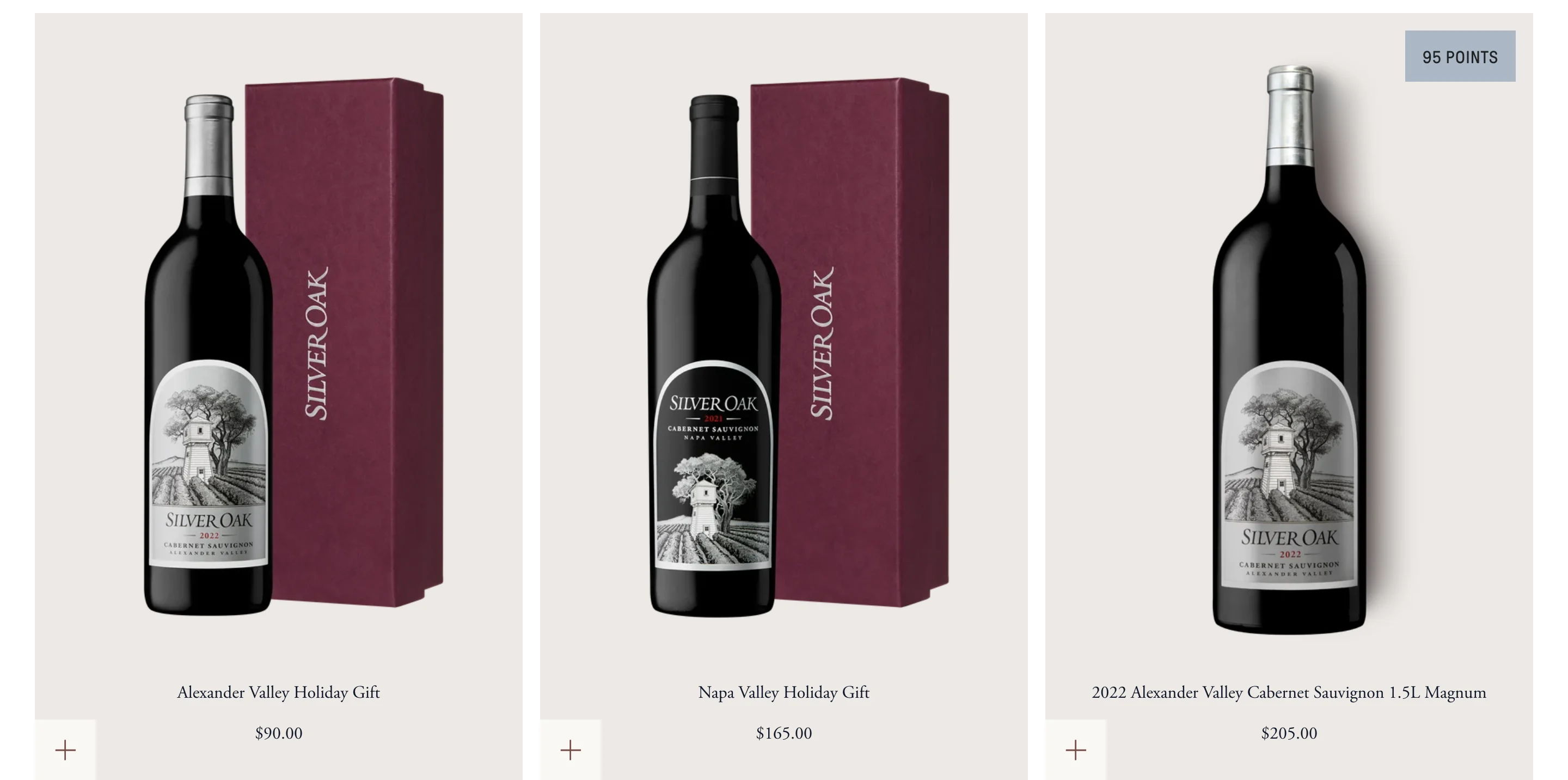
Silver Oak has a whole Gifting menu, so shoppers come ready to send a bottle. They add a gift note to the whole order right in the cart drawer.
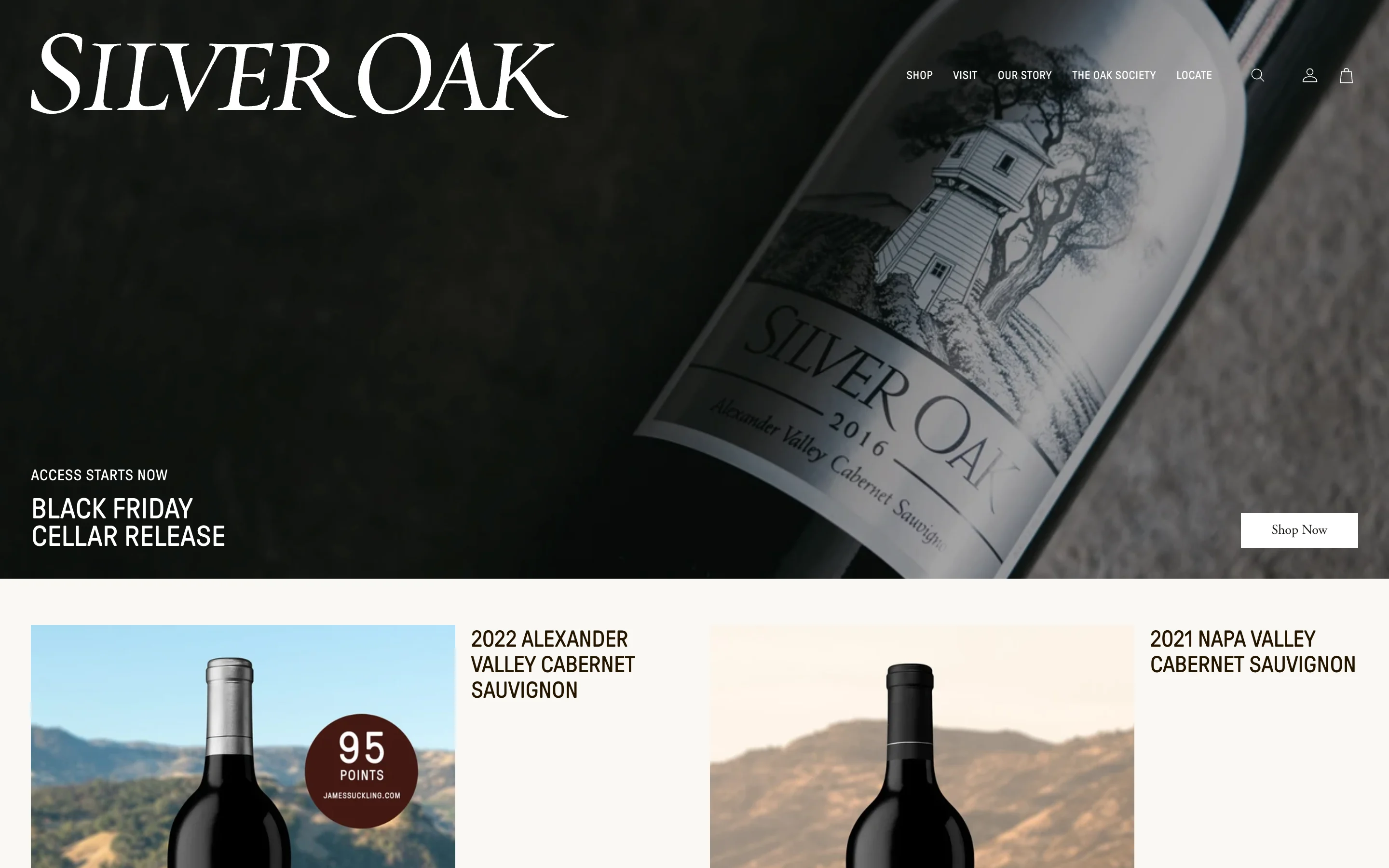
Cabernet from Napa Valley and Alexander Valley
Silver Oak makes Cabernet Sauvignon from Napa Valley and Alexander Valley, plus a Sauvignon Blanc.
The menu has its own Gifting section, with Holiday Exclusives, Personalized Bottles, and Corporate Gifting.
- Sells
- Cabernet Sauvignon and Sauvignon Blanc
- Holiday gifts
- $90 to $165
- Gift Note
- Free for the whole order
One tap adds a gift note
- 01
Add the wine
The shopper adds a bottle to the cart and opens the cart drawer.
- 02
Tap “Add a Gift Note”
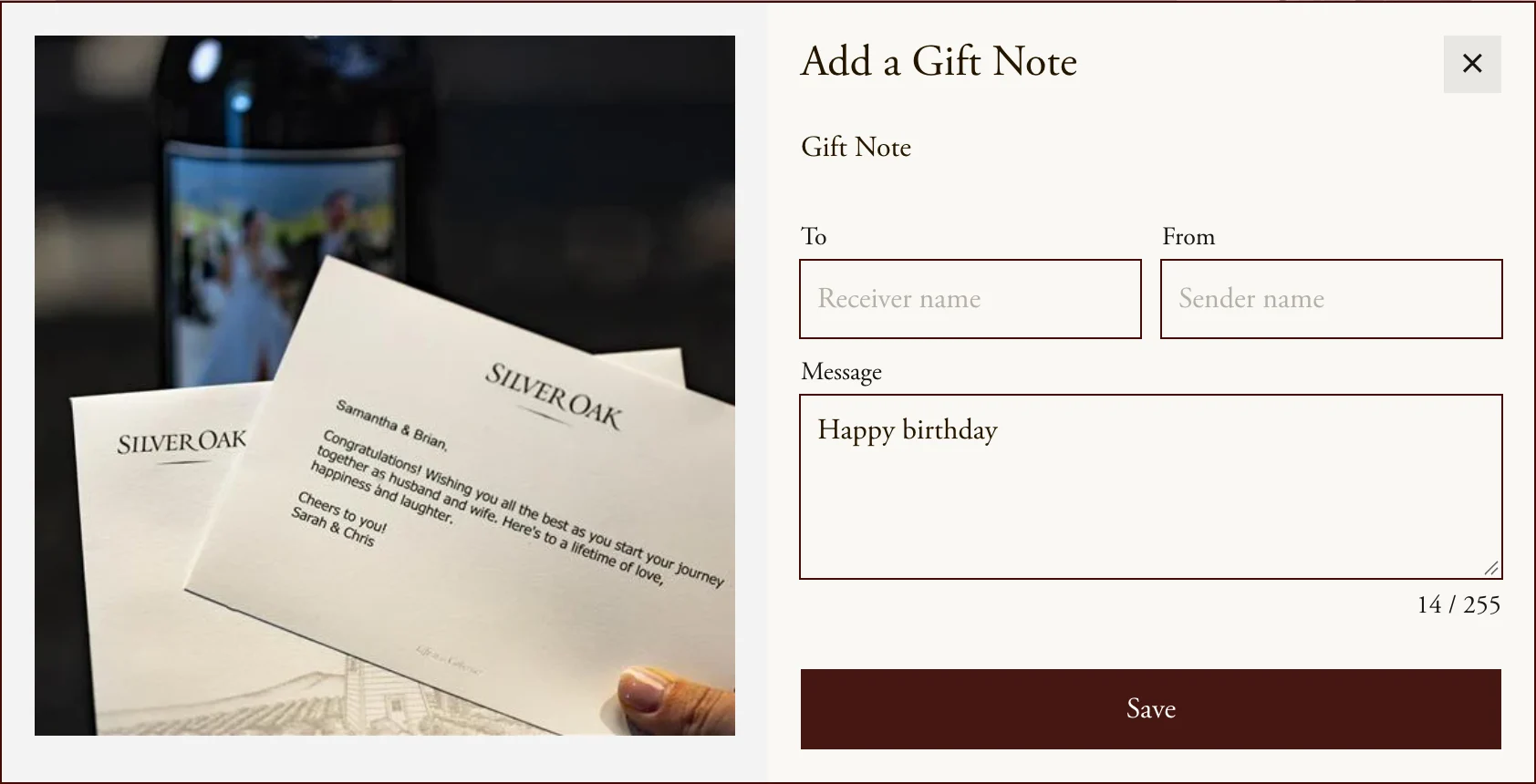
In the cart drawer, one tap opens the gift note. The shopper fills in To, From, and a message, then presses Save.
- 03
Check out
The note sits on the order, ready to pack with the wine.
The gift option on Silver Oak
| Gift Note | Free, with To, From, and a message |
|---|---|
| Covers | Every bottle in the order, with one note |
| Shows in | The cart drawer, above the Checkout button |
| Looks like | The store’s own serif font, cream background, and burgundy Save button |
One note goes with every bottle.
A wine gift can be one bottle or a few, and one note for the whole order covers them all.
The note sits right above the Checkout button, so shoppers add it before they pay.
Set up the same gift option on your store
Add gift wrap
Publish a gift option and show it on the product page, in the cart drawer, or on the cart page.
Read the guideShow it at checkout
On Shopify Plus, Gift Blocks show at checkout too, styled by your checkout branding.
See checkoutGifting for wine and food orders
See gift boxes and gift messages for wine, food, and drinks.
See food and beverageQuestions about a gift note for wine orders
Can I offer one gift note for the whole order?
Yes. Gifting for Orders adds one gift option that covers everything in the cart. Silver Oak offers its gift note for free.
Can the gift option show only in the cart drawer?
Yes. You choose where Gift Blocks show: the product page, the cart drawer, or the cart page. Silver Oak shows it in the cart drawer.
Will the gift option match my store’s look?
Yes. You set the font, colors, borders, and text in the Gifting editor. Silver Oak’s matches its own cart drawer.
Make it a gift.
Wrapped Gift Blocks for your Shopify storefront and checkout.
Questions before you install? Ask Bowie for an answer in seconds, any time.